
Stop switching screens.
Work faster.
Open a live persistent portal from any screen
Picture-in-picture that actually works.

Works great with
See Portal in action.
A walkthrough of portals in a real workflow.
Made to be glanced at.
Open one in seconds. Get back to work.
Real pixels, really live
A portal shows the real window, not a screenshot. What changes there changes here, instantly.
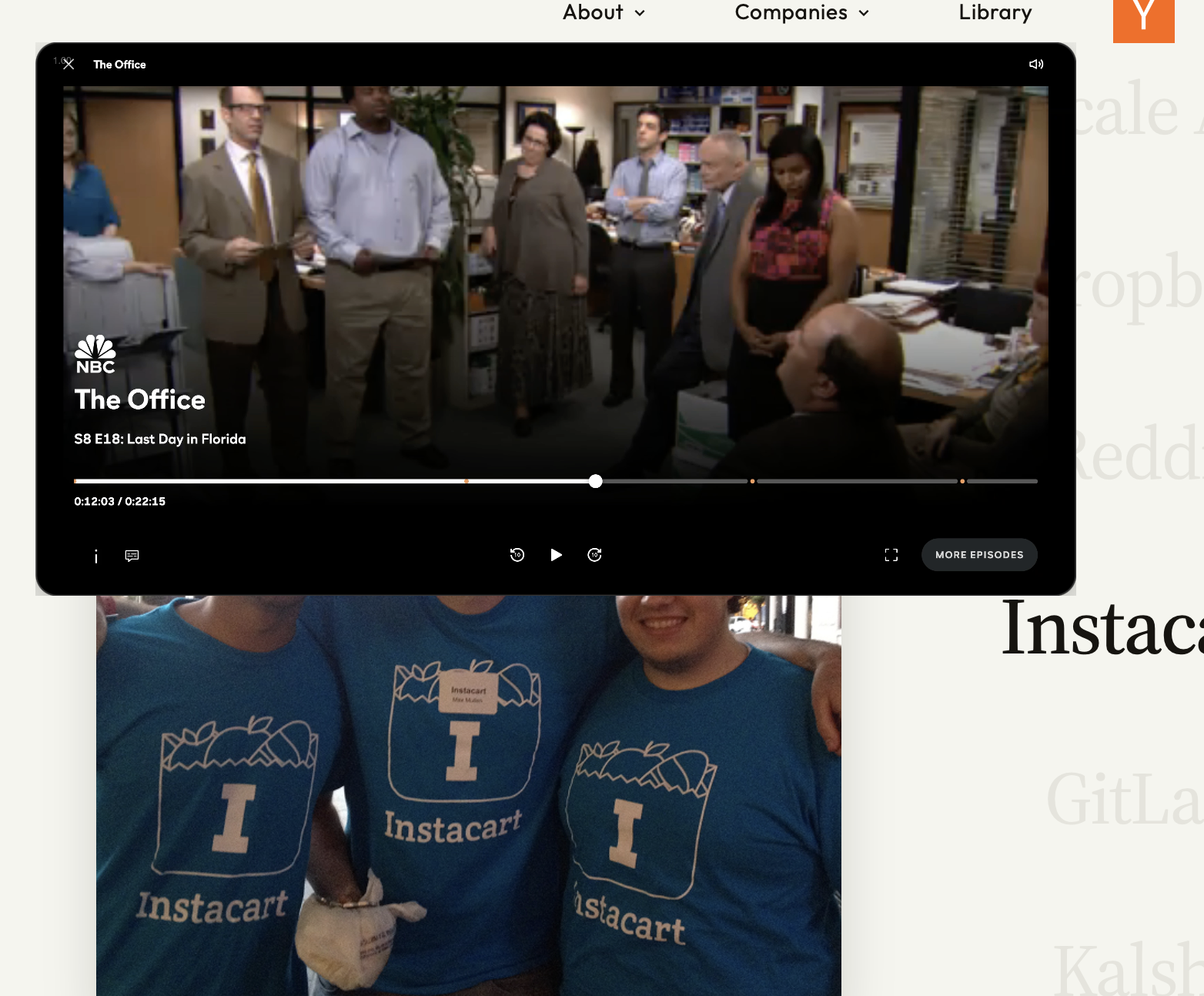
Point it at anything
Any app window, any region of any screen, any browser tab.
Nothing leaves your Mac
Rendered on-device. No streams, no servers, no account.
Every Space, every screen
Portals float above fullscreen apps and follow you across Spaces.
Tabs that keep playing
A tab portal keeps rendering even while the browser is hidden.
Crop to what matters
Drag to crop a portal down to the exact region you care about.
Summon with a key
Press ⌥⌘N anywhere and a portal opens.
If it's on your Mac,
it fits through a portal.
No more alt-tab
Stop losing your place. The thing you keep checking on is already here, where you're working.
Not a screenshot
Portals stay live, frame for frame, down to the blinking cursor.
Not screen sharing
Nothing is broadcast anywhere. This is your machine, rearranged for you.
Not another Space
One surface, every context. Your Spaces stop fighting for your attention.
FAQs
A small, always-on-top window that live-mirrors something else on your Mac: an app window, a region of a screen, or a browser tab. It floats above everything, follows you across Spaces, and stays perfectly in sync with the real thing.
No, portals are view-only on purpose. A portal never steals focus, clicks, or keystrokes from the app you're actually working in. When you want to act on what you see, switch over. Until then, just watch.
Any window of any app, any rectangle of any screen, and Chrome tabs. Tab portals keep the page rendering even when Chrome is hidden or parked on another Space. If it lives on your machine, you can pull it through a portal.
Never. Portals are rendered on-device with Apple's ScreenCaptureKit. No streams, no servers, no account. What you see never leaves the machine.
Portals ride the same hardware path your screen already uses, so frames go straight from capture to display without being copied around. A portal or two runs light enough that you'll forget it's there.
Right now. Download Portal for Mac and open your first portal in under a minute. It's free while we're building.
Open your first portal.
Free while in beta. No account needed.
macOS 14+ · 100% local